
Phishing Is Designed to Beat the Brain on a Bad Day
VS
I got one of those “important documents” emails today.
Sender looked harmless enough: a normal Gmail address, normal name, nothing obviously weird. And that’s exactly why these scams work.
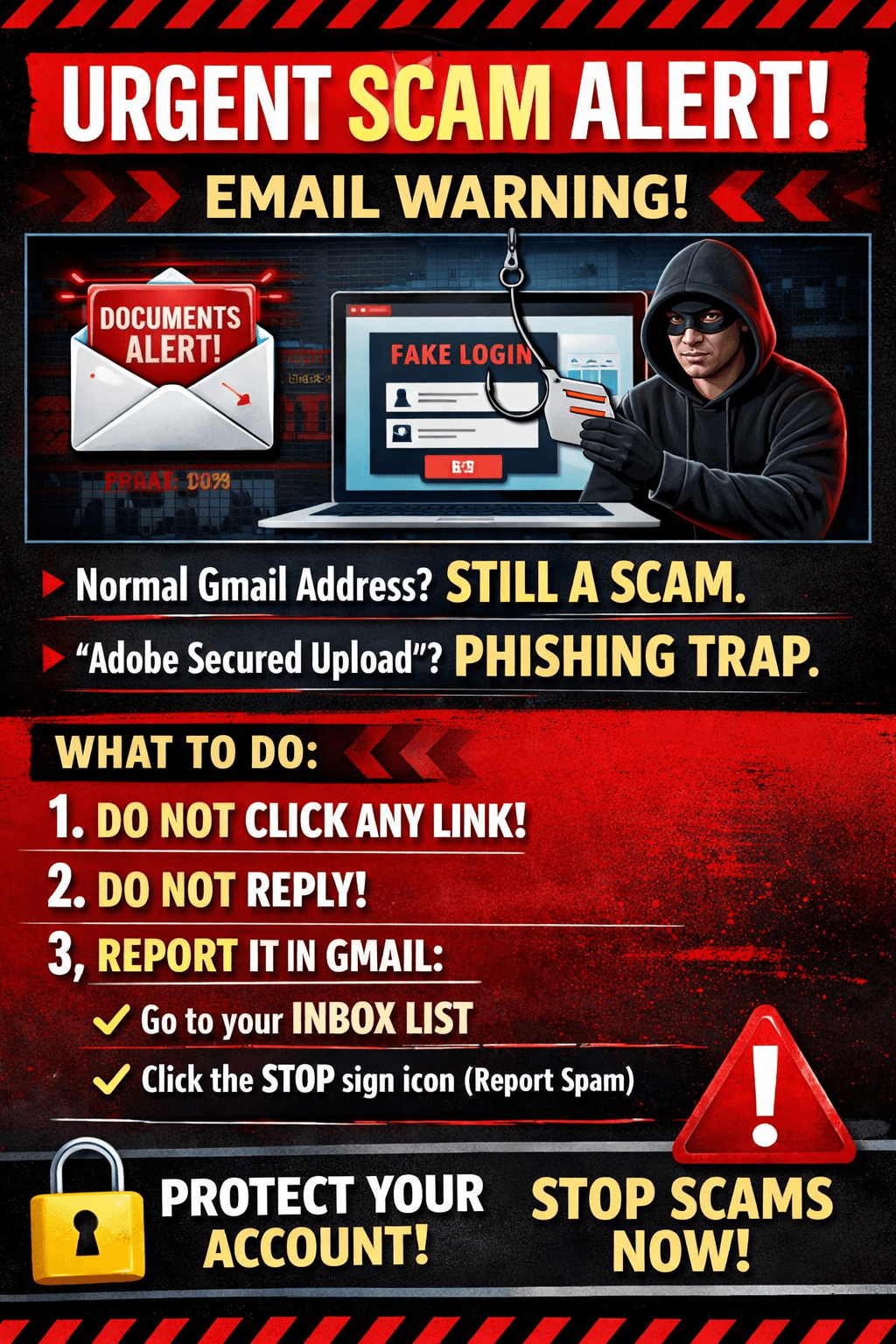
The message said: “Attachments were too large, so I resent them using Adobe Secured Upload. Click here to view securely.”
Translation: please click this link so I can steal your login.
A few things everyone should know, especially if you’re helping a parent, spouse, or anyone with even mild cognitive impairment:
A “normal” Gmail address does not mean it’s safe.
Scammers use Gmail because it slides past a lot of filters. Also, real Gmail accounts get hacked and used as bait.
“Adobe secured upload” is a favorite costume.
They borrow a trusted brand name to make you move fast and ask fewer questions.
The goal is not to trick “stupid” people.
The goal is to catch smart people on a tired day. Or distracted. Or stressed. Or caregiving. Or living with memory changes.
So here’s the rule in our house going forward:
✅ No surprise documents. Ever.
If I wasn’t expecting a document, I’m not clicking anything.
If you get one of these, do this instead:
Do not click the link
Hover over it (or long-press on your phone) and look at the real web address
In Gmail: click the three dots → Report phishing → delete it
And if you’re not sure, use this sentence - It's ok to respond, just don't click the link.
“I don’t open links from email. If this is real, tell me what it’s about and call me.”
Please share this, because the people most at risk are the ones least equipped to fight these pop-quiz scams. The internet should not be a daily cognitive stress test.
Cheers!
Vanessa